In this article
What TrailVid does
The places set the order
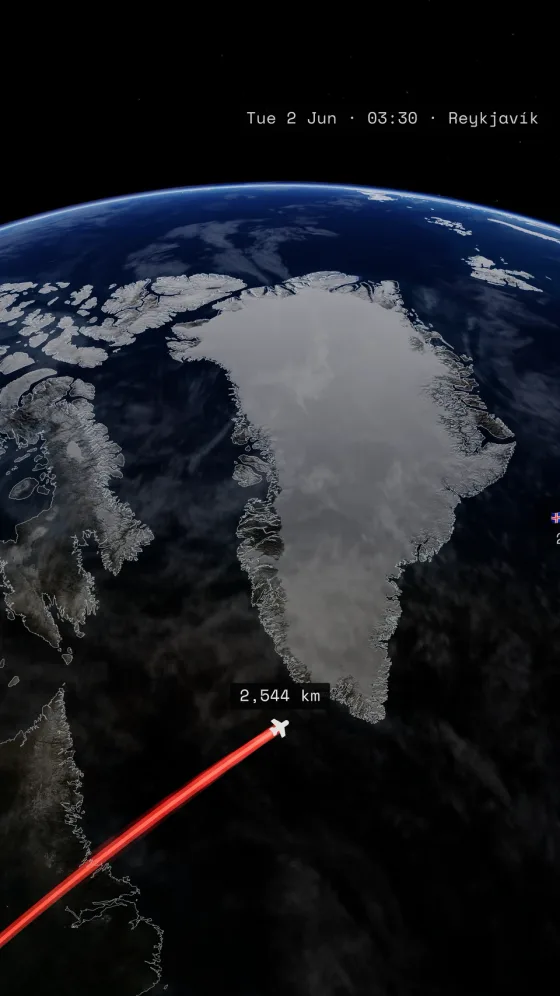
Start with the places a viewer needs to recognize. Put them in travel order and choose how you moved between each pair. Dates and local times can move the globe from day into night. A caption gives an arrival the detail its place name cannot, such as an overnight crossing or the first morning on the coast.
Choose how the camera moves
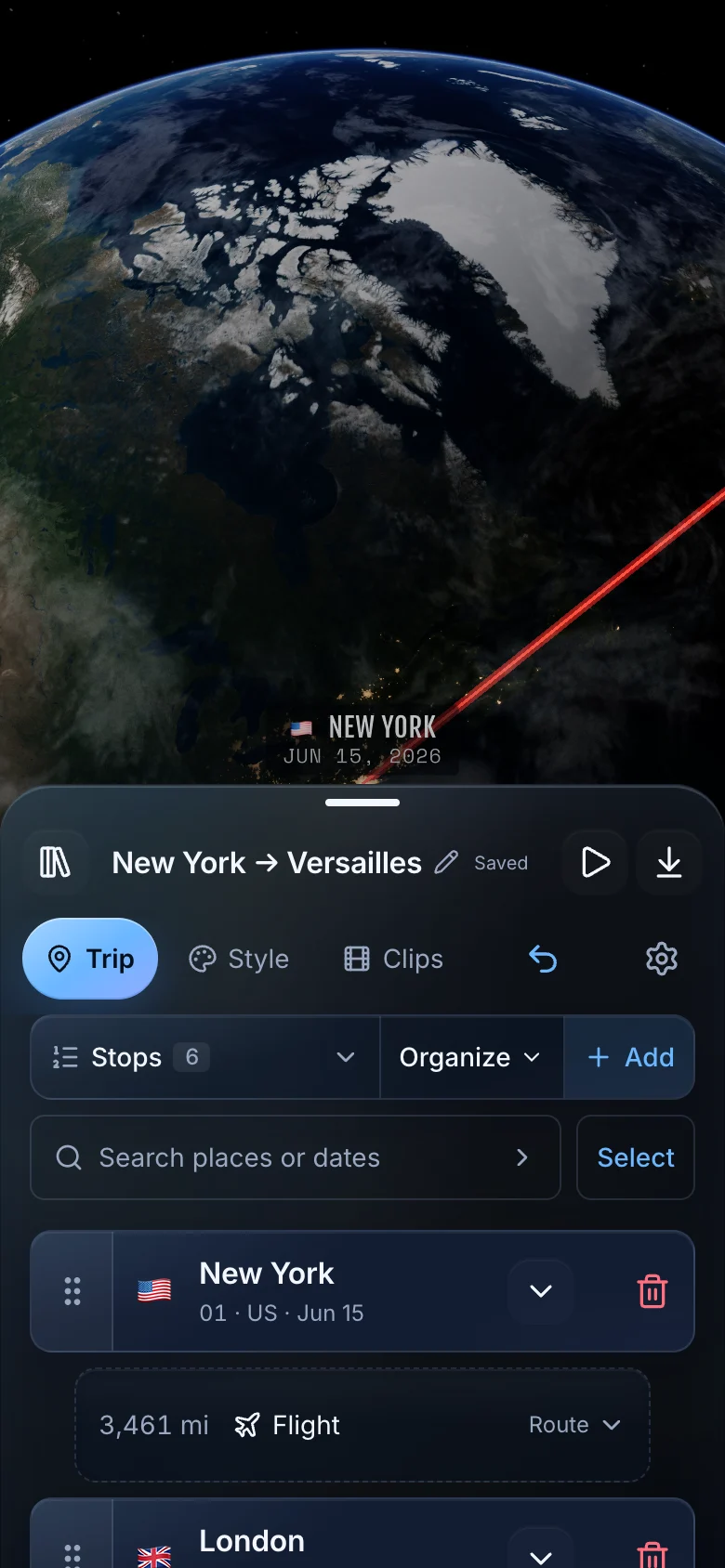
The Direction control lets you choose how the camera moves through the trip. Journey follows your progress along the route; Travelogue gives more attention to the places you visit. Choose Custom to set the camera style, pace, time at each stop, and ending yourself.
You decide which places matter, what the titles say, and which memories deserve a caption. TrailVid uses those choices to plan the camera movement and timing.
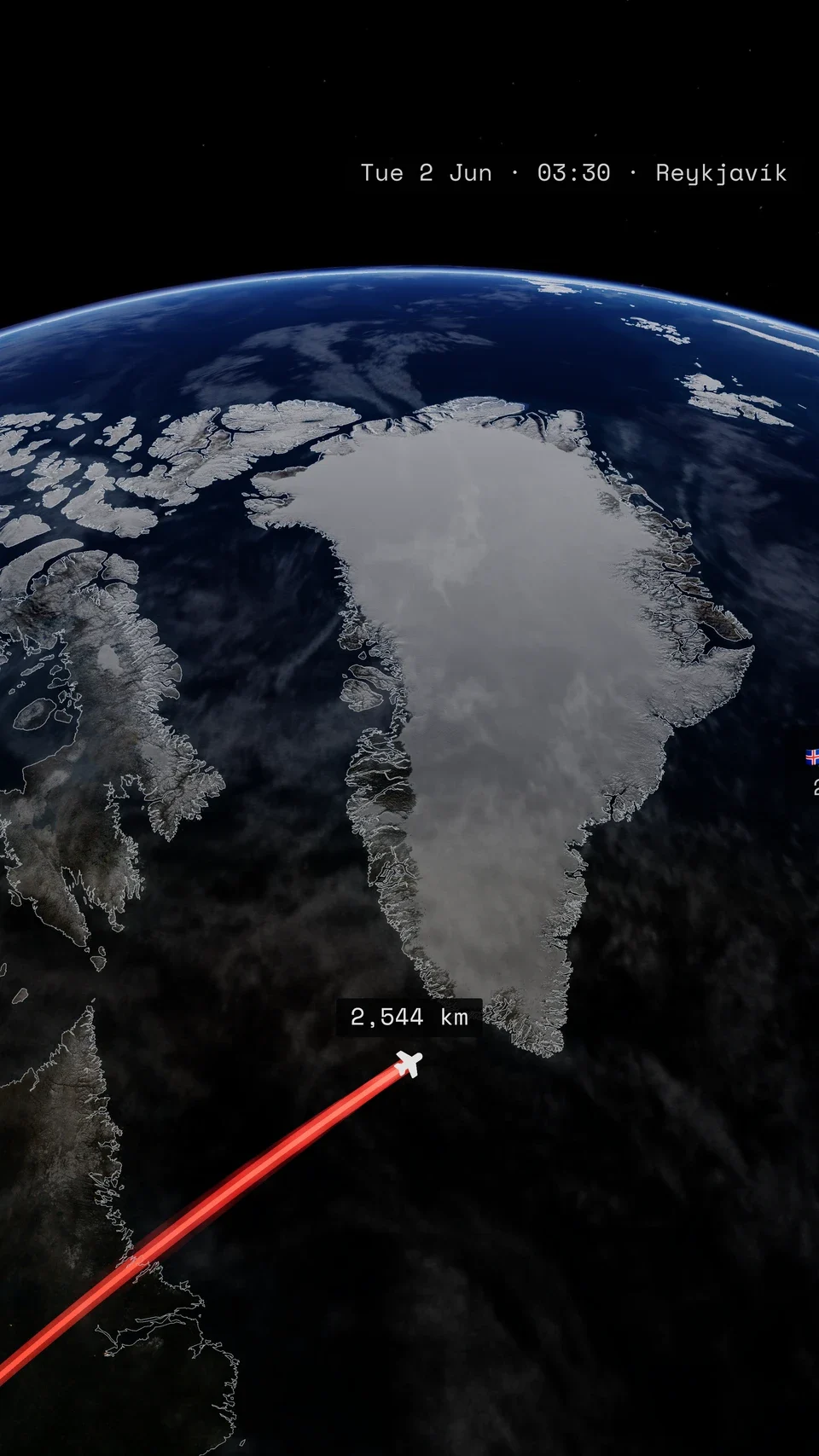
From the opening title to the final overview

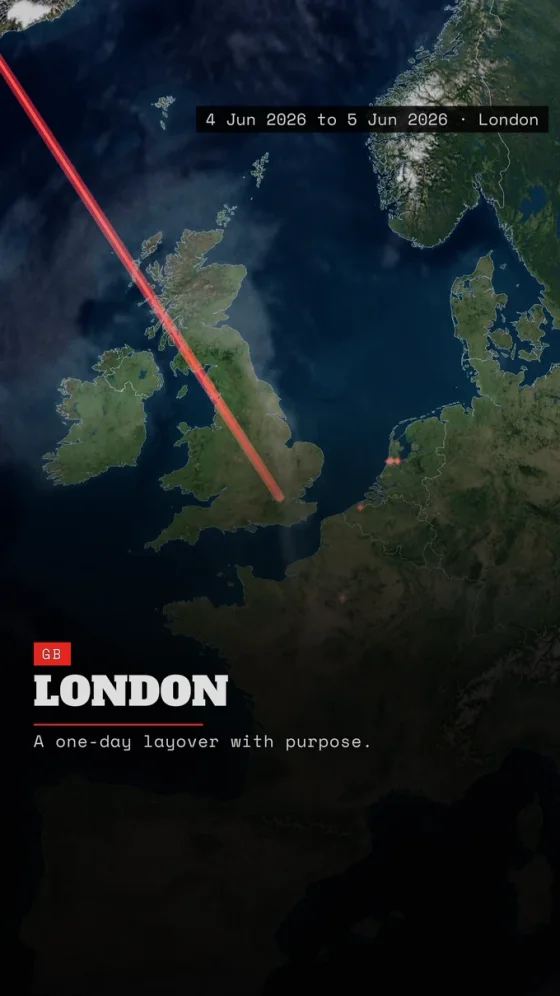
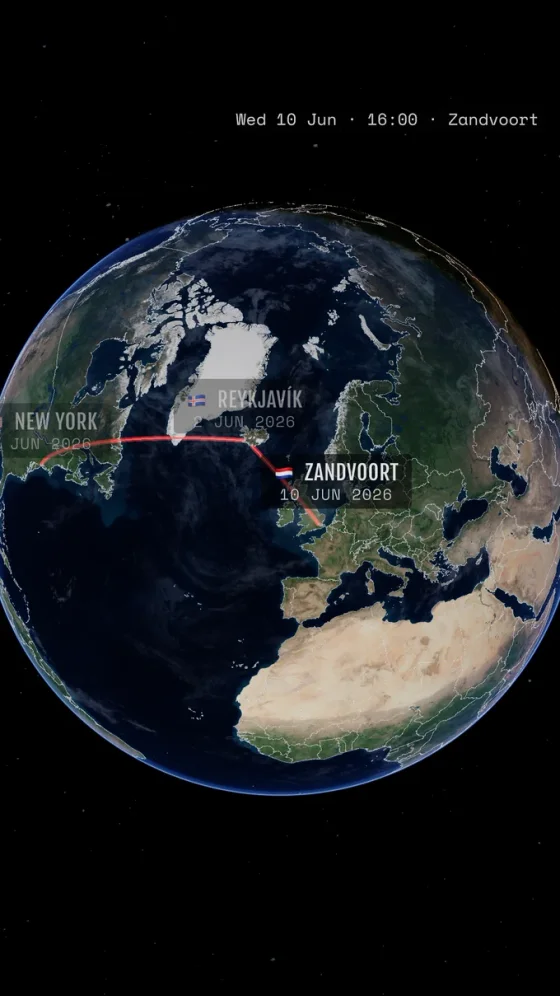
One trip can supply the full film and shorter cuts
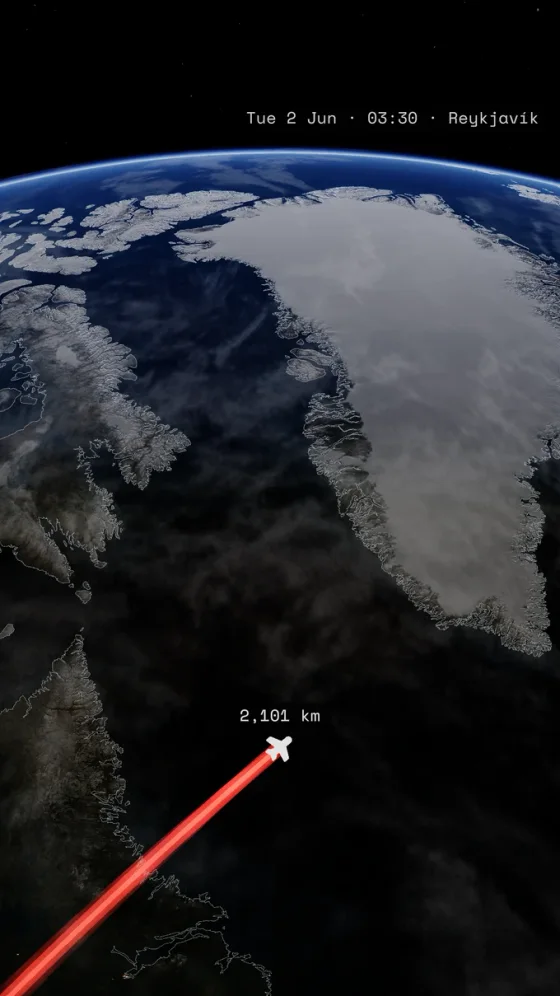
A clip is a named part of the trip with a first and last stop. Keep the complete route for a holiday film, then add chapters and highlights without rebuilding the journey. Continuing chapters can retain earlier route legs, while self-contained clips introduce and finish their own geography.
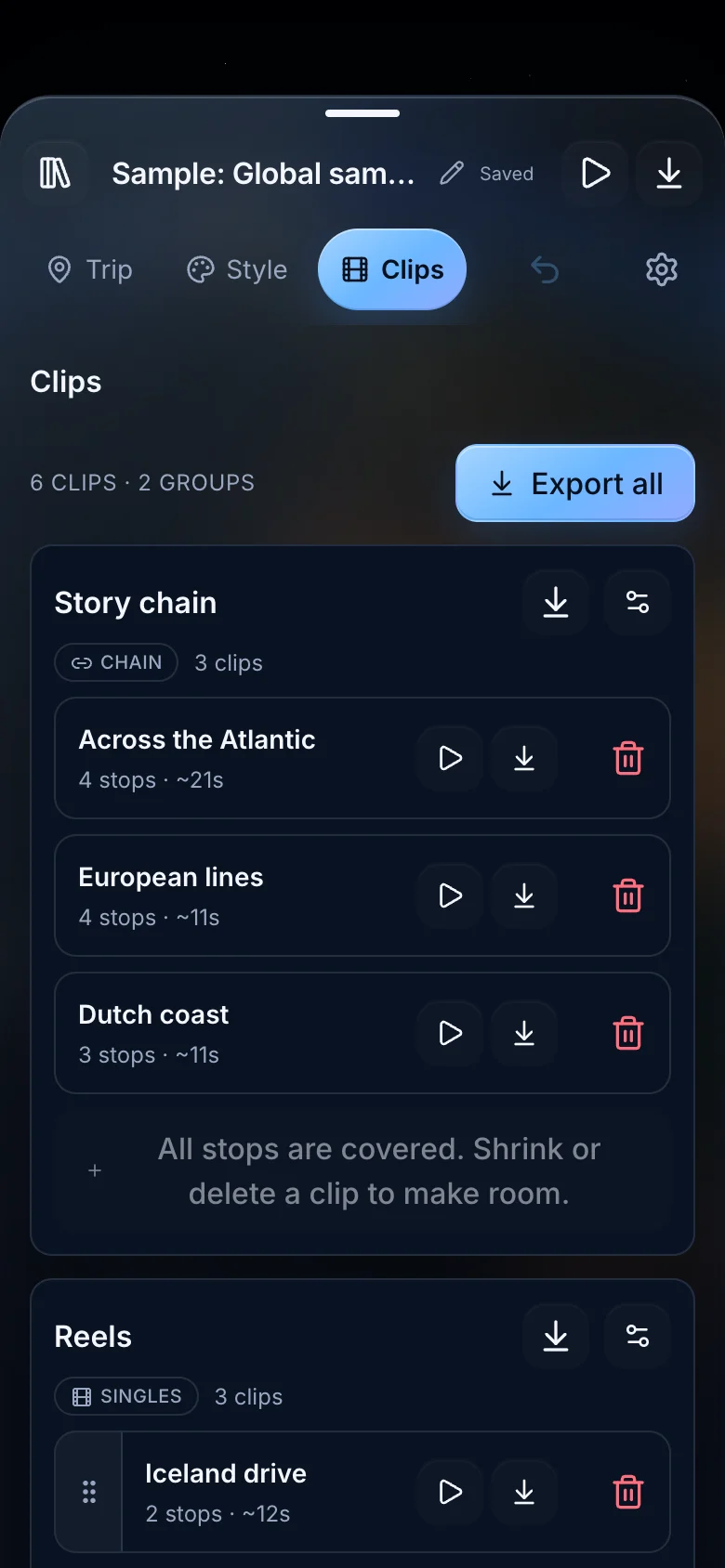
Try a different look for the same trip
A theme changes the typography, cards, route look, and atmosphere while the places and their order stay intact. The frames below hold the same London arrival, making the creative differences easy to inspect.
The same London arrival
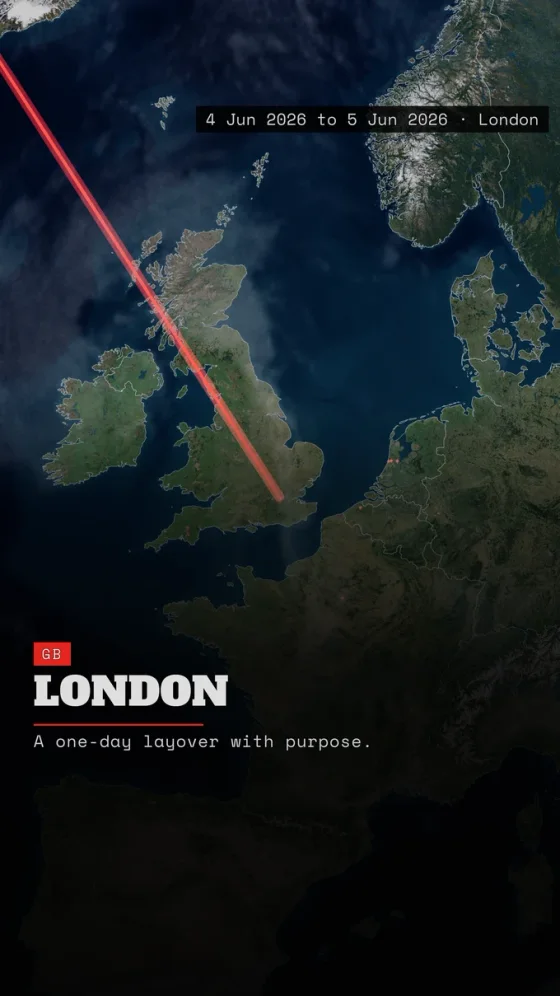
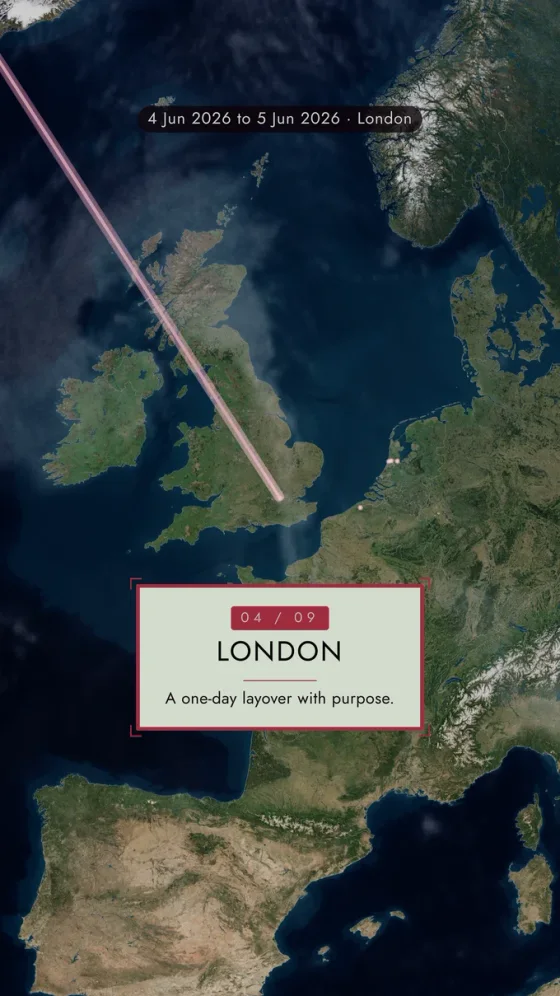
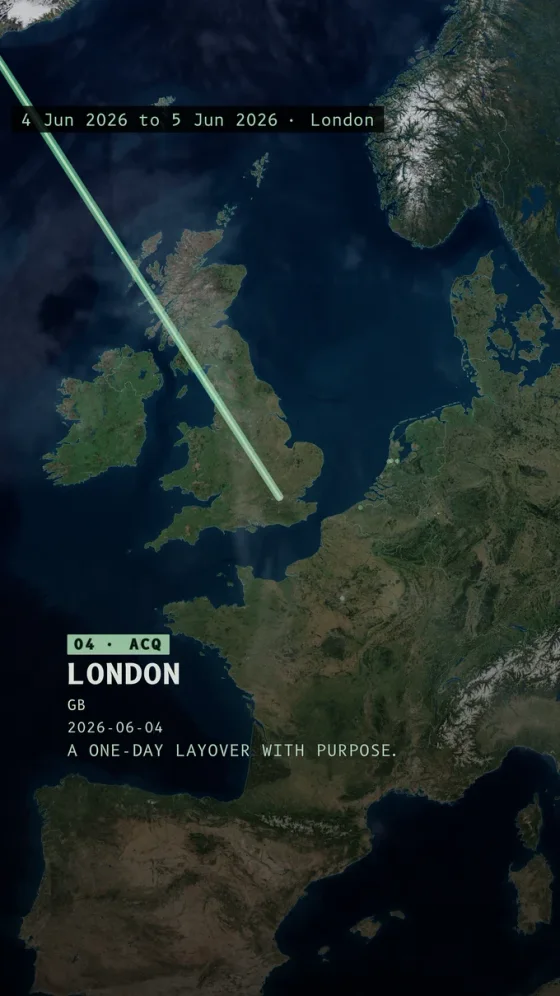
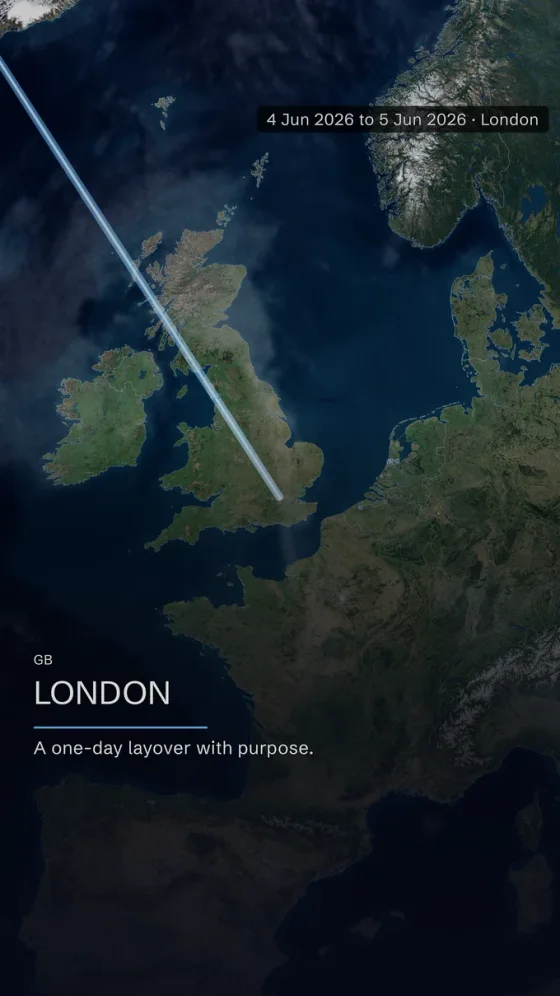
The map frames on this site were created with TrailVid.
An independent iPhone app
TrailVid is an independent product created by Tim Beyer. The public beta is available for iPhone. The app is also optimized for iPad, and no TrailVid account is required.
Questions
Common questions
Who makes TrailVid?
TrailVid is an independent product created by Tim Beyer.
Are the videos on this site product mockups?
The films and map frames on this site are TrailVid exports from the sample trips shown in the app.
Do I need a TrailVid account?
No. TrailVid does not require an account.