
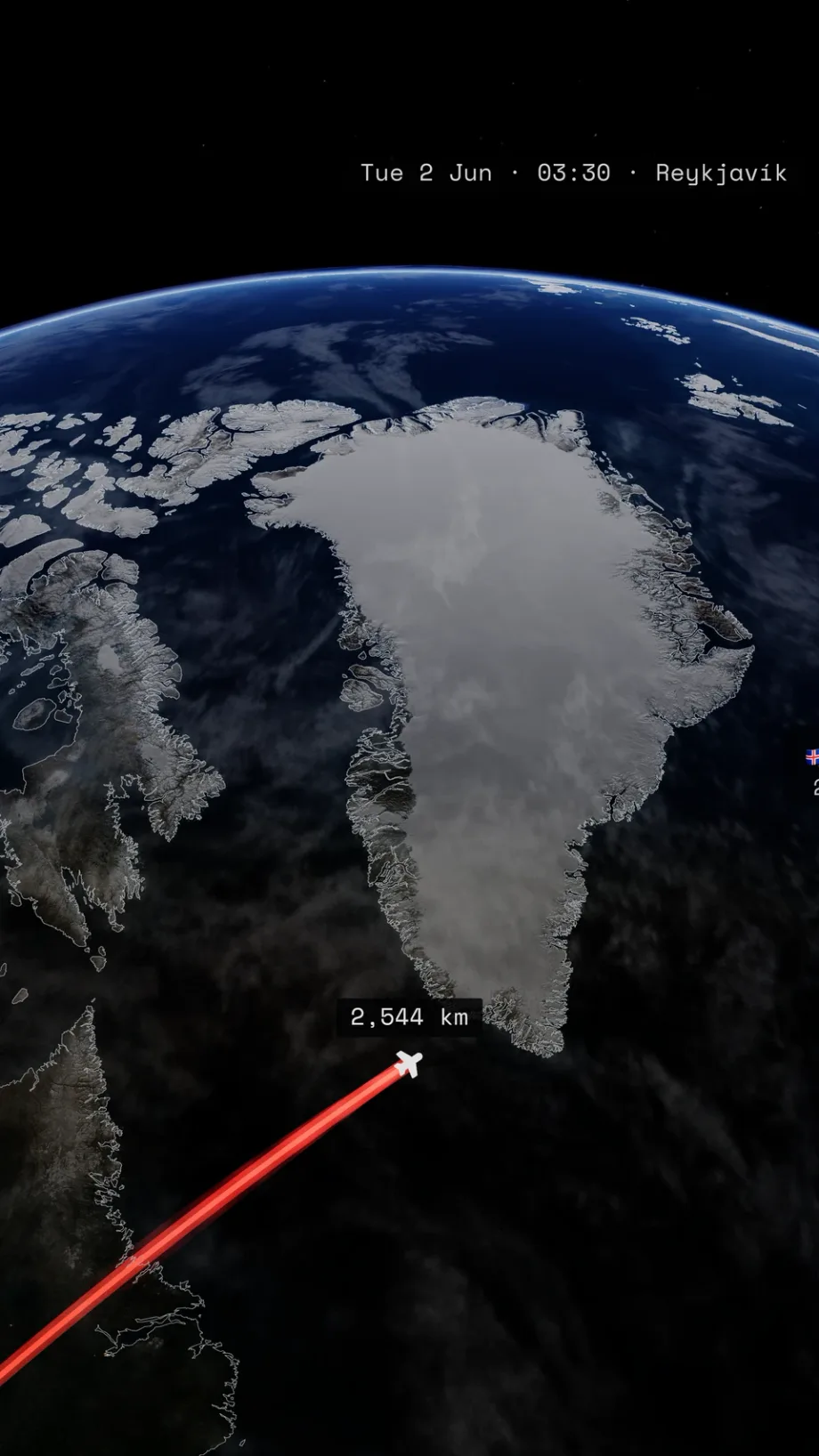
How to Make a Travel Map Video on iPhone
Make a travel map video on iPhone: add stops, choose transport and a theme, preview, and export. Then cut one itinerary into chapters and social clips.
Read the guideField guide
Plan the route, recover an itinerary from photos or GPX, and cut the finished map sequence for the screen where it will play.
New to TrailVid? Make your first travel map video on iPhone.
Make a travel map video on iPhone: add stops, choose transport and a theme, preview, and export. Then cut one itinerary into chapters and social clips.
Read the guide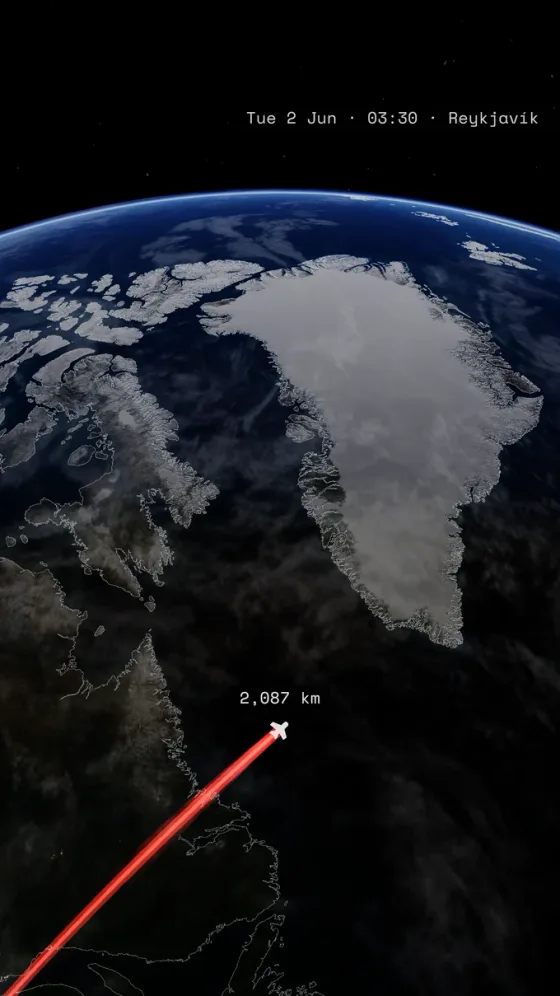
Make a flight map video on iPhone with a New York to Reykjavík example. Add cities, choose Flight, check the arrival, and save the video to Photos.
Read the guide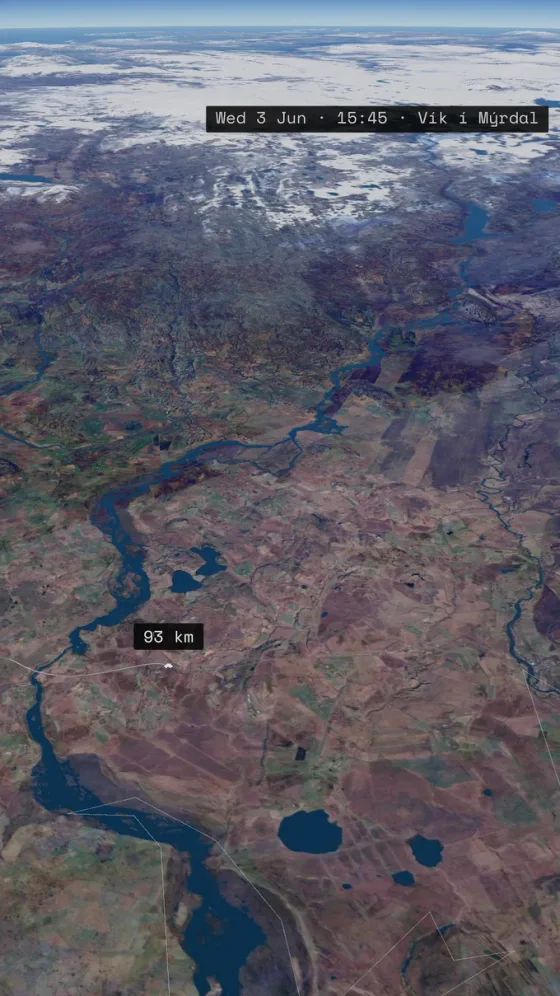
Make an animated road-trip map on iPhone. Add destinations, use waypoints to shape the route, check road routing, and export a video.
Read the guide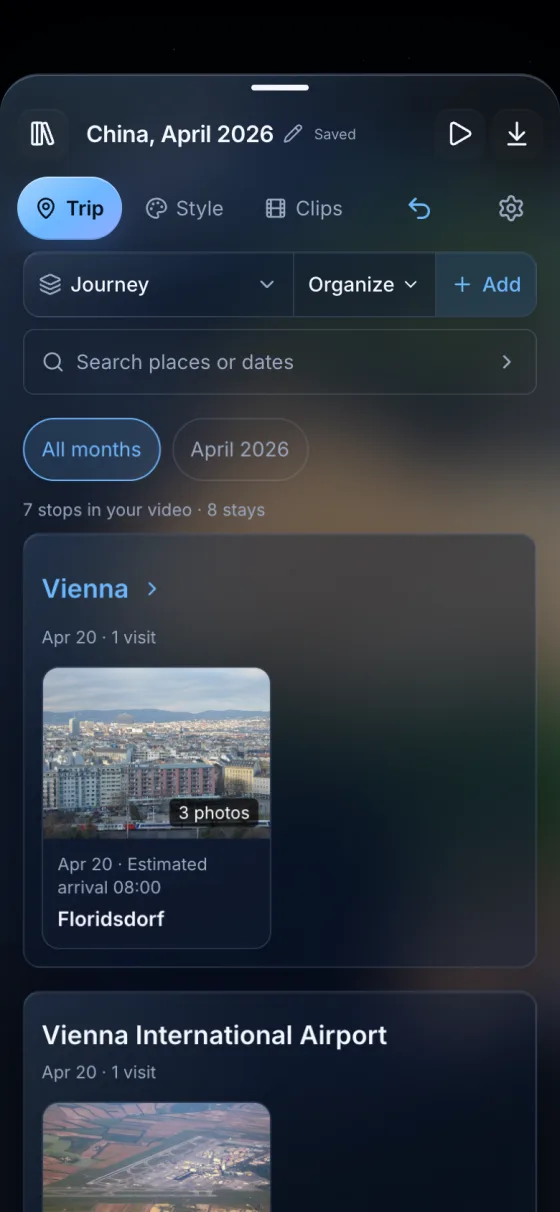
Make a travel map video from your iPhone photos. Find the places you visited, review the route, and save an animation to use alongside your holiday footage.
Read the guide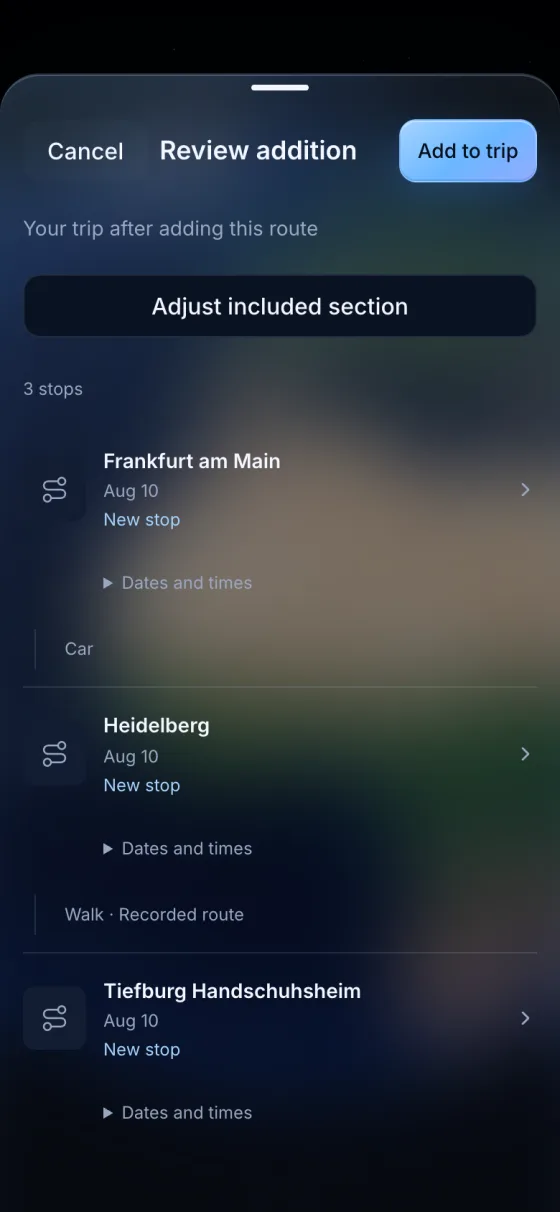
Import a GPX track on iPhone, review stops and recorded routes, then export a travel map video. Learn how to handle gaps and recording boundaries.
Read the guide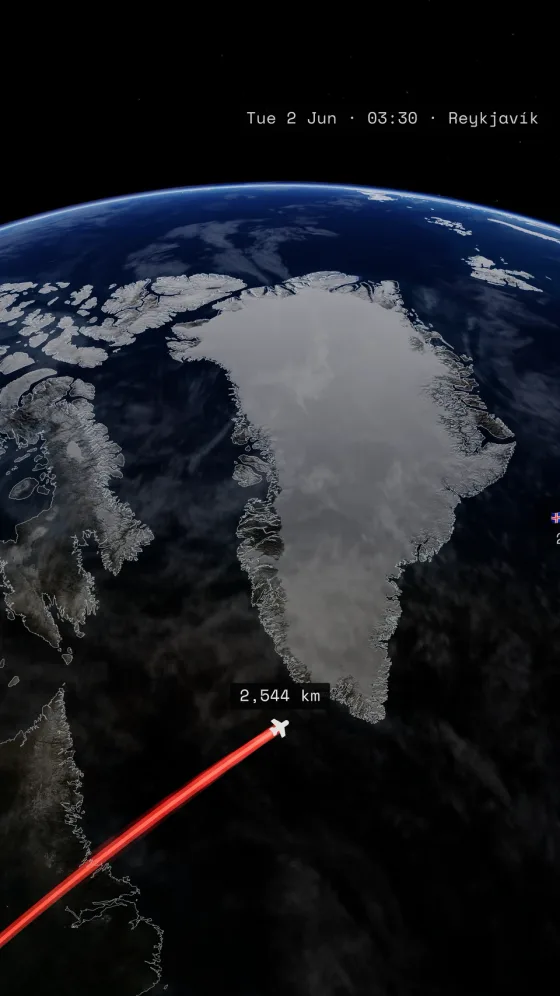
Make 9:16 travel map videos for Reels and Shorts. Choose readable labels, keep titles clear of platform controls, and export a silent map clip for your edit.
Read the guideCompare travel map animation apps TrailVid, Mult.dev, Travel Animator, and TravelBoast. Watch complete exports and compare creative controls and formats.
Read the guide