

01 Your trip
Start with where you went.
Add the places yourself, find stops from photo locations, or import a GPX track.
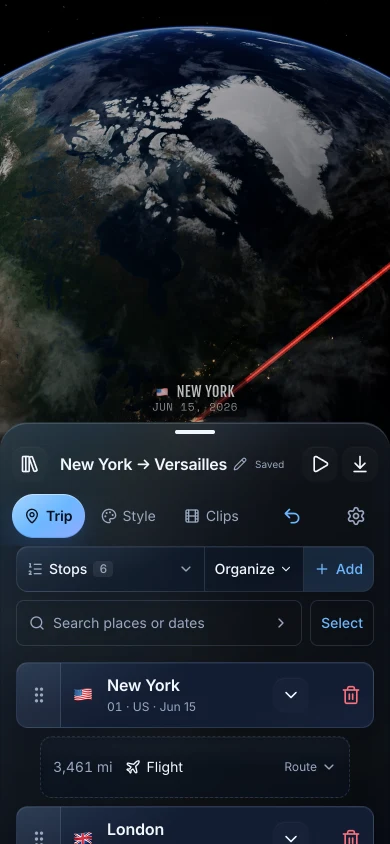
Travel map animation for iPhone
Turn your trip into an animated travel map on iPhone. Start with places, photo locations, or a GPX track, then export a video for your next travel film.
Free during the beta. No account required.
Made for iPhone. Optimized for iPad.
01 Your trip
Add the places yourself, find stops from photo locations, or import a GPX track.
02 Your cut
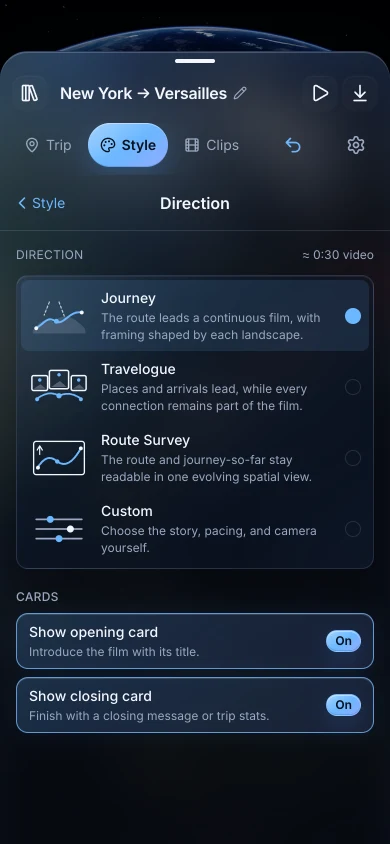
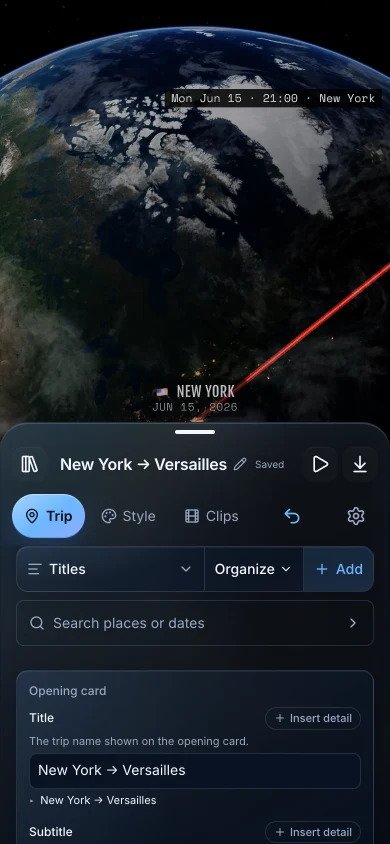
Choose how the camera follows your route and what the titles and captions say.
Themes
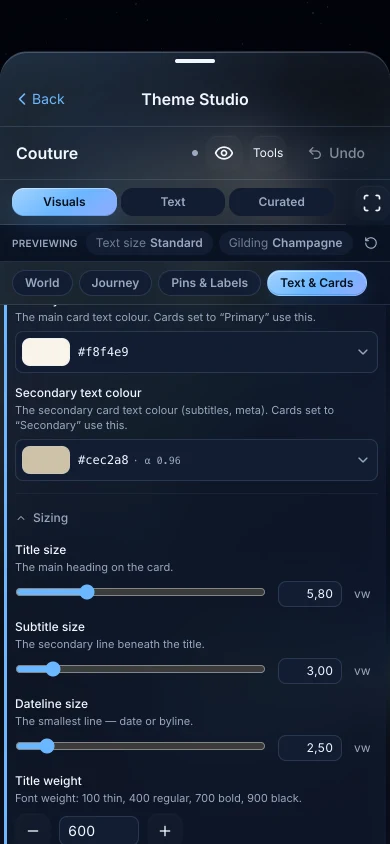
Start with a built-in theme, then create a custom one you can use across trips.
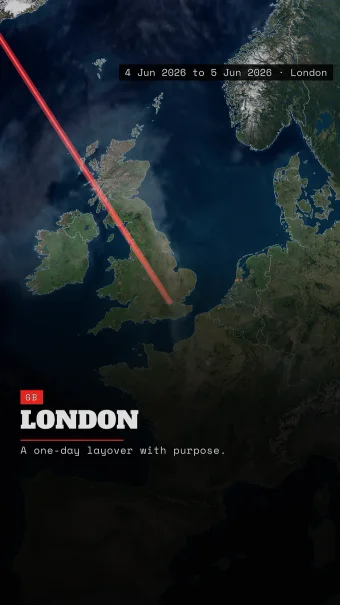 Signal
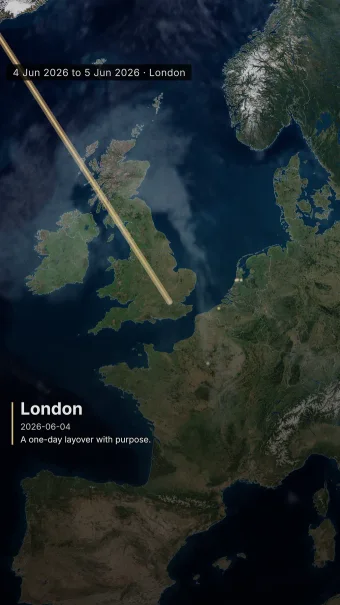 Cinematic
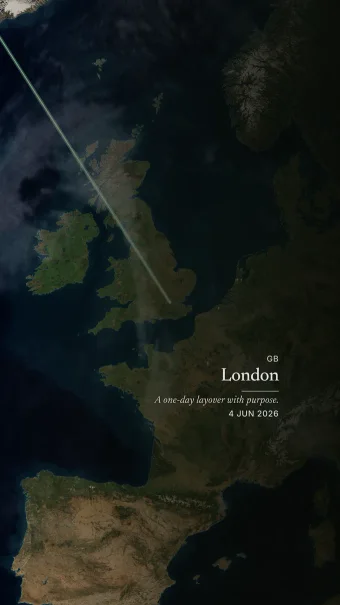 Serein
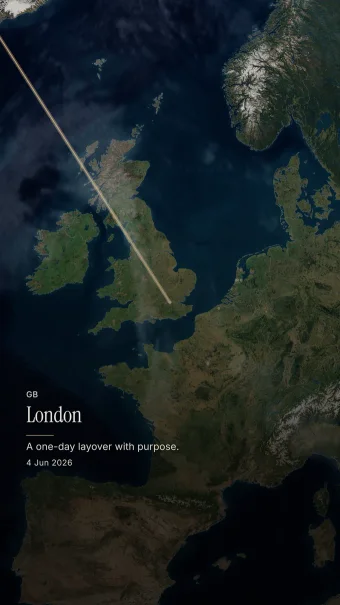 Lumière
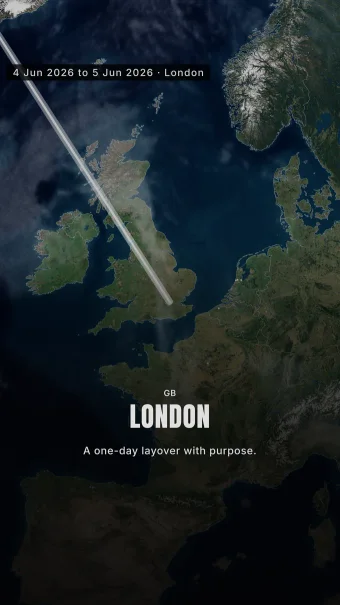 Monument
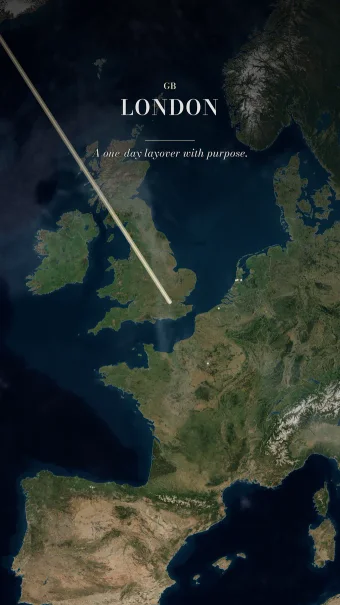 Couture
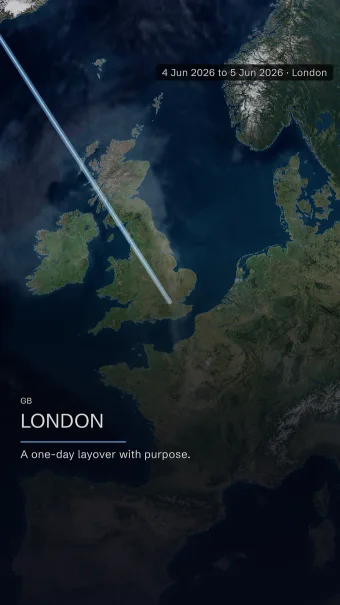 Folio
Folio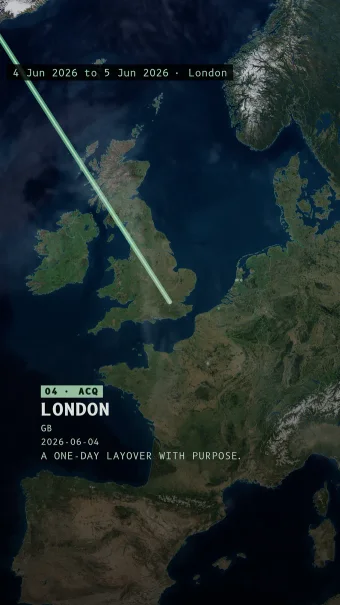 Vector
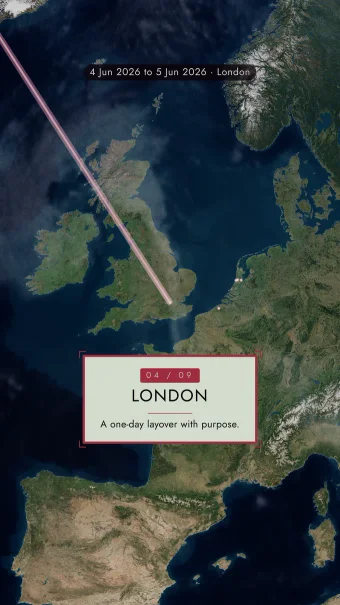 Chapter
03 Every channel
Keep the whole trip together or turn it into a series for Stories, Reels, and Shorts.
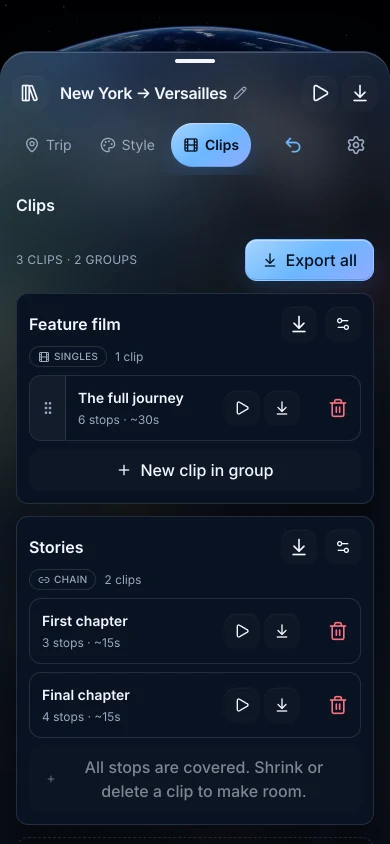
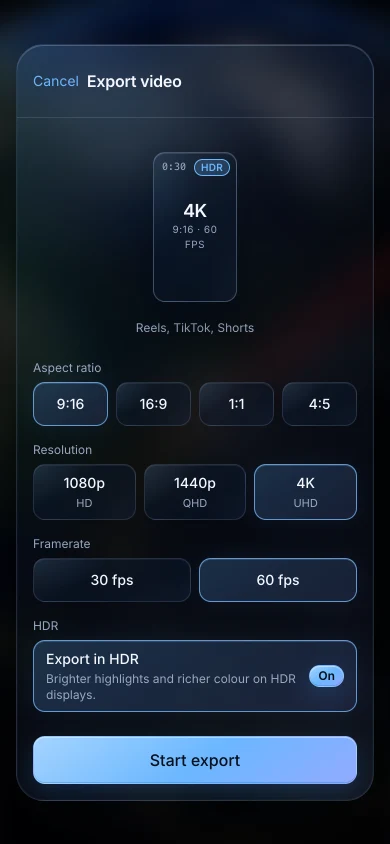
iPad
See more of the trip while you work. iCloud keeps your trips in sync between iPhone and iPad.
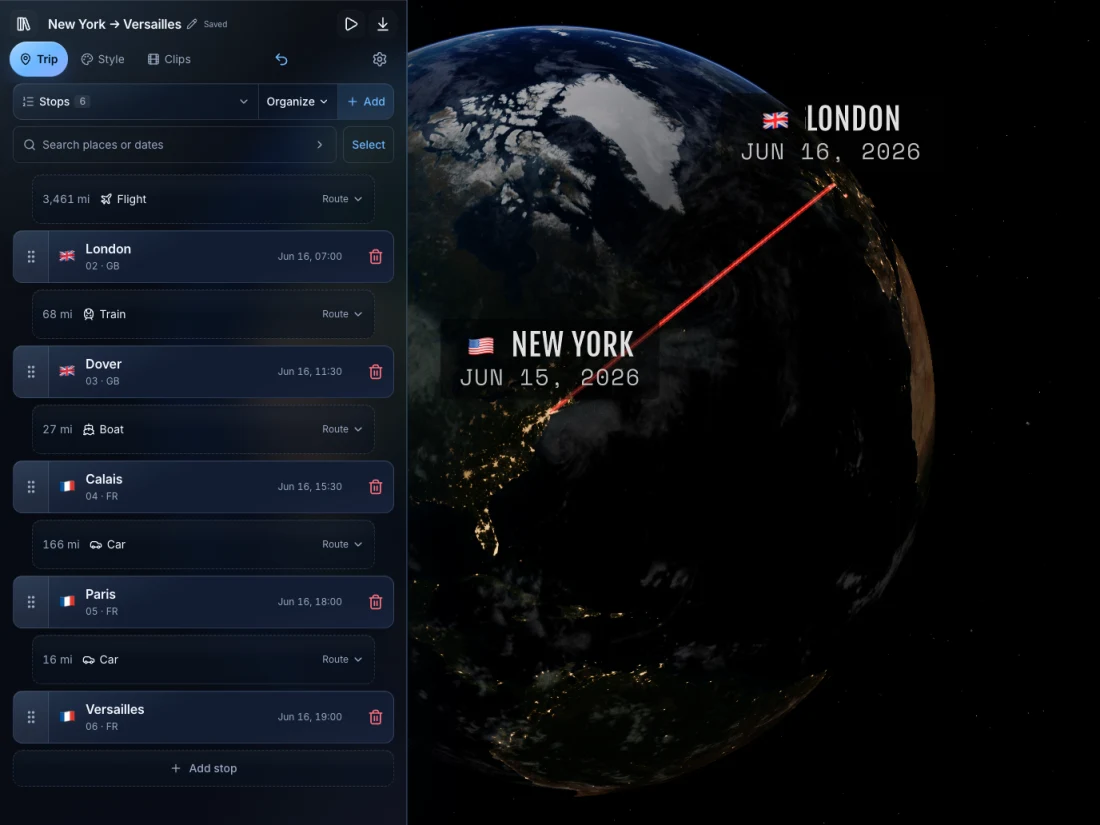
Apple TV
Change a theme, adjust a title, add a stop. See the result on a big screen while you work, without exporting between revisions.
Explore live preview on Apple TV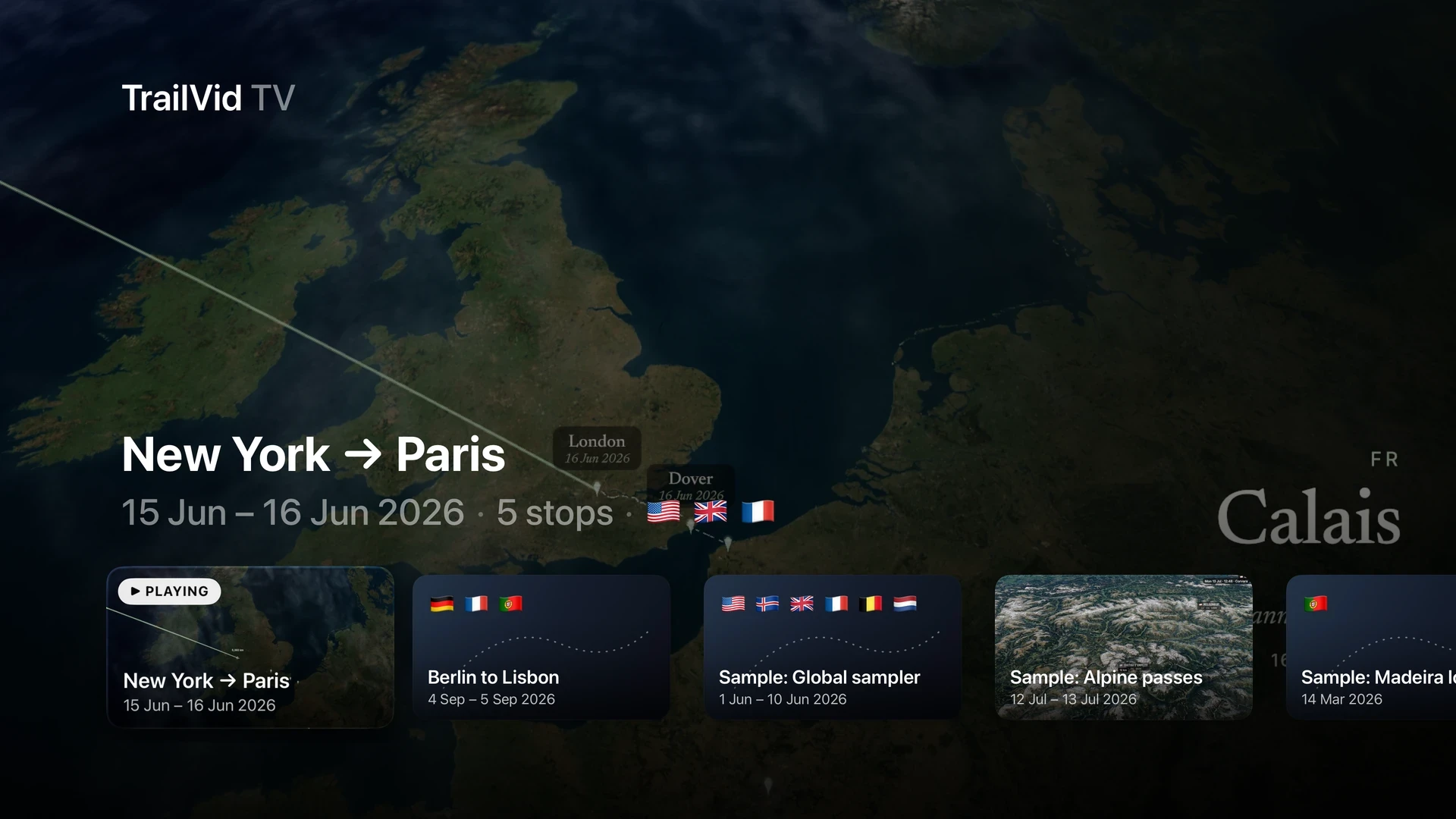
In the details
FAQ
Field notes
Cut one itinerary into several films, recover a trip from photos, or turn a GPX recording into a route worth watching.
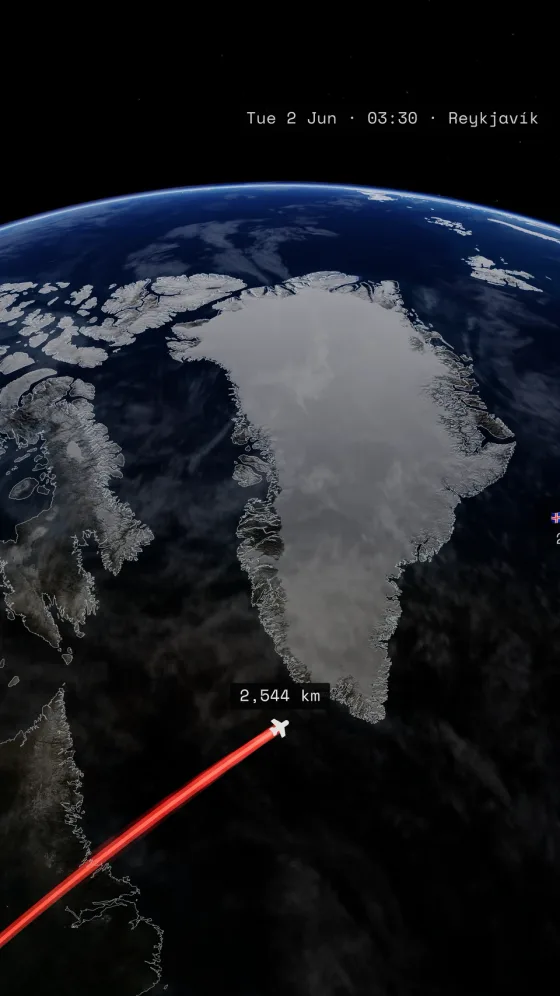
Make a travel map video on iPhone: add stops, choose transport and a theme, preview, and export. Then cut one itinerary into chapters and social clips.
Read the guide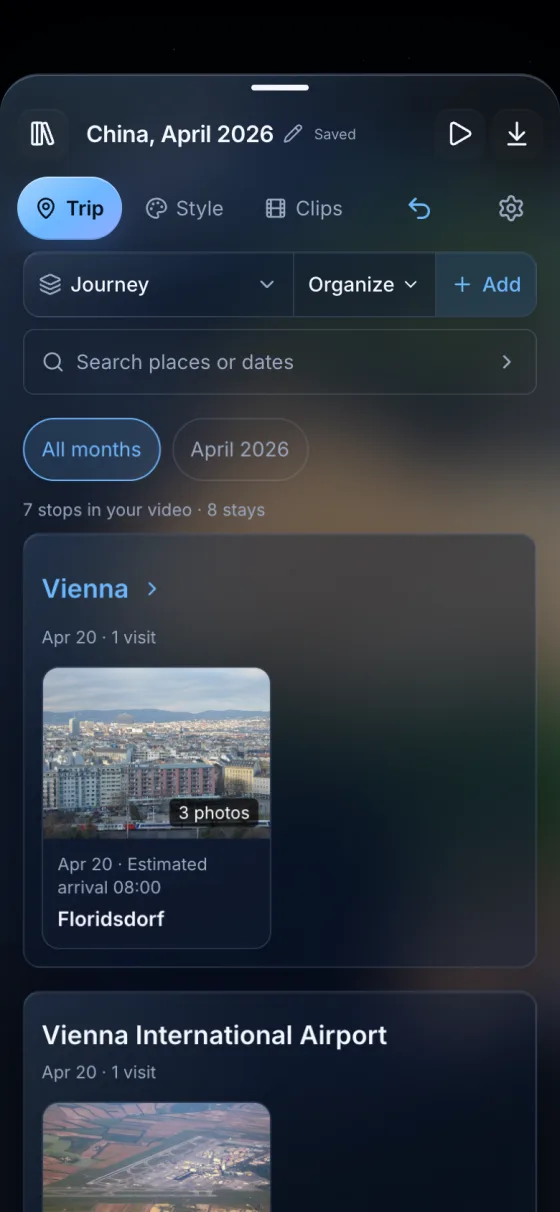
Make a travel map video from your iPhone photos. Find the places you visited, review the route, and save an animation to use alongside your holiday footage.
Read the guide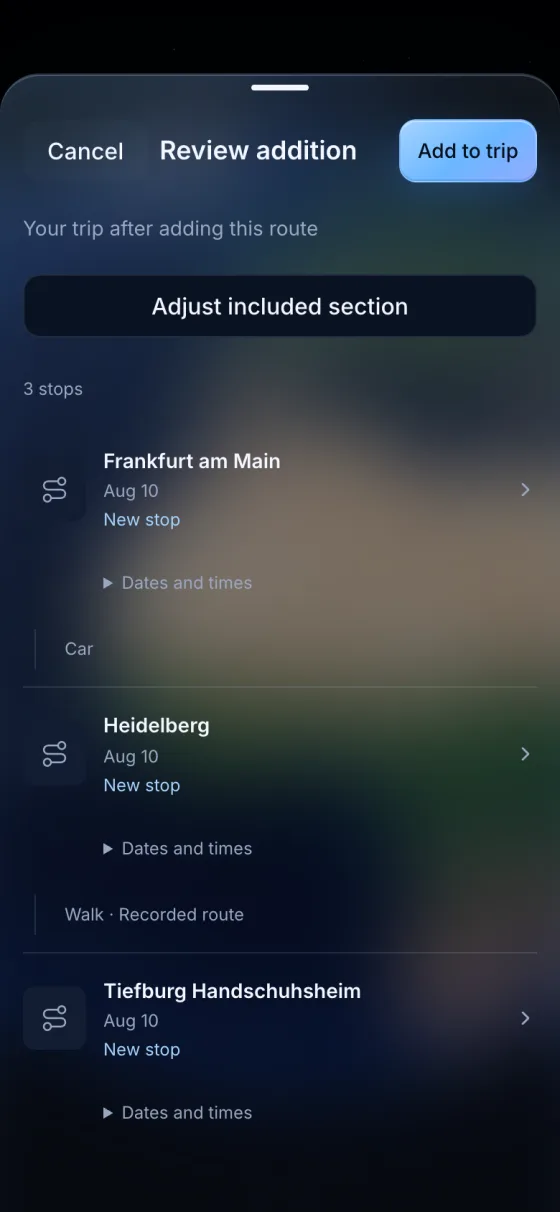
Import a GPX track on iPhone, review stops and recorded routes, then export a travel map video. Learn how to handle gaps and recording boundaries.
Read the guidePublic TestFlight
Use every theme and export option, including 4K, with no TrailVid account or payment card.
Join the beta