
Travel map app comparison
Travel Map Animation Apps Compared
TrailVid and Mult.dev make the map videos we would use in a professional-looking travel film. TrailVid offers more control over titles, camera movement, and shorter clips, with higher-resolution exports. Travel Animator and TravelBoast put large animated vehicles at the centre of the map. Watch each app’s complete Berlin, Paris, Lisbon video below.
Our verdict
Berlin, Paris, Lisbon
We built the same Berlin, Paris, Lisbon stop sequence in all four apps on one iPhone. We used each app’s open-beta or free portrait export, choosing train then plane wherever that access path allowed it. Mult.dev’s free plan did not offer train, so its file uses airplanes on both legs.
TrailVid publishes this comparison and appears in it.
How the four apps stack up
TrailVid leads on creative range and output. Mult.dev is the closest alternative for a restrained, professional-looking map sequence.
Best overall. It turns the itinerary into a complete travel film and gives you the most room here to direct, style, and recut it.
Closest alternative. Its restrained globe treatment is the only competing export here that we would put into a professional-looking edit.
A quick, playful route animator built around visible vehicle changes.
The more polished of the two playful, vehicle-led treatments in this test.
A complete map sequence plus shorter opener, transition, and chapter cuts from the same trip and visual style.
A clean route transition or recap that can sit between footage without overpowering it.
A playful social clip where the changing vehicles are the subject.
A bold graphic interlude led by large animated vehicles and bright map styling.
The current beta unlocks 4K, 60 fps, and HDR on supported iPhone and iPad. Every export keeps a small TrailVid badge.
The free plan offers 768p. Full HD, 60 fps, more transports, and logo removal use packs of 5, 25, or 100 paid videos.
The free iPhone option offers 810 x 1440 at 30 fps after a rewarded ad. A subscription offers up to 2160 x 3840.
The free plan advertises branded HD exports. Pro advertises 4K and logo removal.
Complete exports
Watch all four complete exports
Each player shows the complete duration of its portrait export. The exports were produced through the open beta or free paths described on this page. They are untrimmed and silent. Watch how each app opens the journey, handles the change in Paris, and closes the route.
TrailVid
Each city appears with its own title and caption. A surface-level train gives way to a raised flight arc.
Mult.dev
Compact airplanes trace both legs on a satellite globe. Train was unavailable in the free plan used here. Labels, flags, and total distance carry the recap.
TravelBoast
A red train changes into a yellow plane. Flags and distance close the route.
Travel Animator
Large train and plane models sit over country fills, labels, route, and distance.
Matched journey frames
Compare the opening, Paris, and the ending
These aligned frames show how each export introduces the journey, handles its middle stop, and closes the route. Open a frame to inspect the complete image.
Aligned moment
Opening
TrailVid
1.0s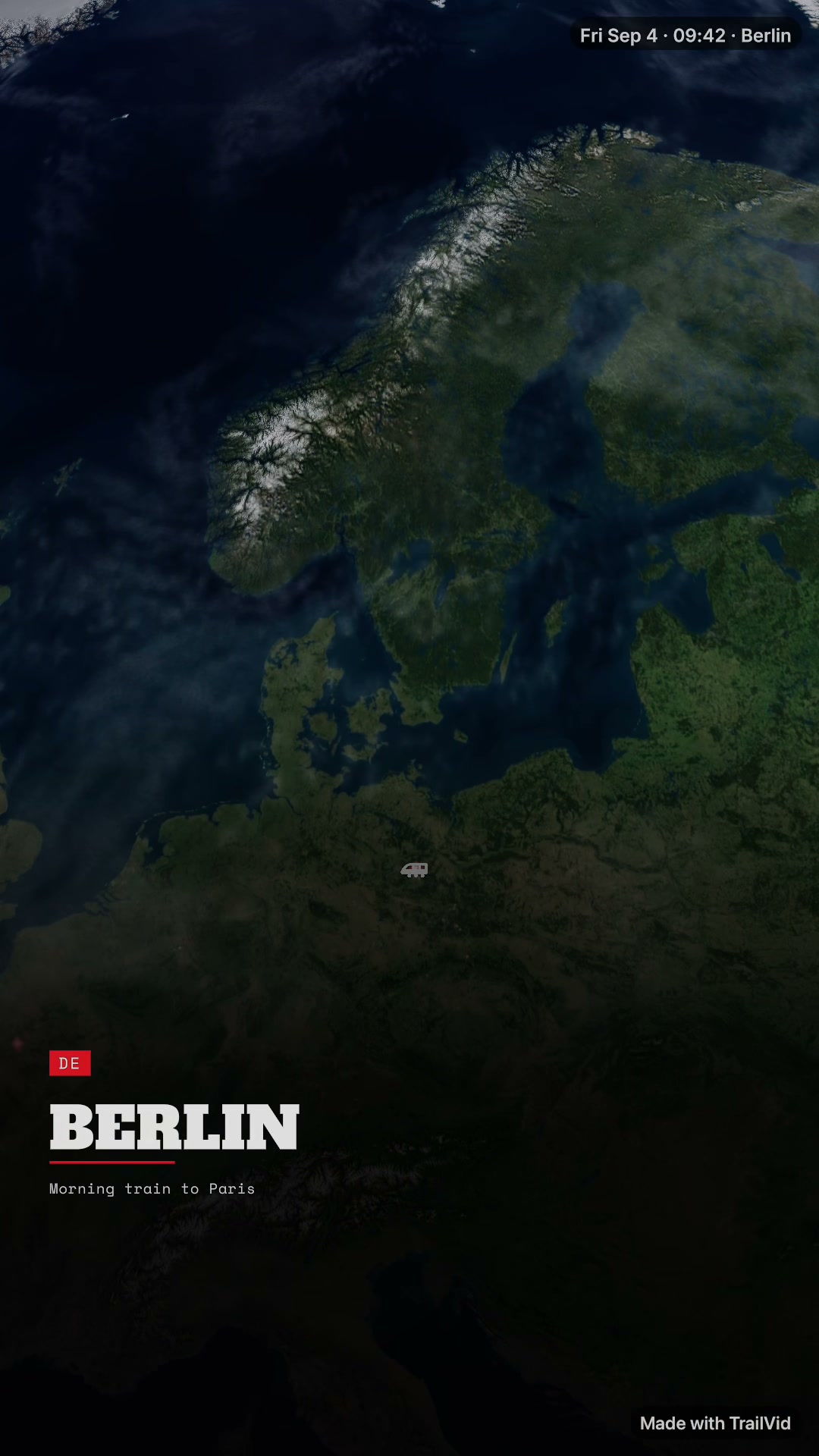 Open full frame
Mult.dev
0.4s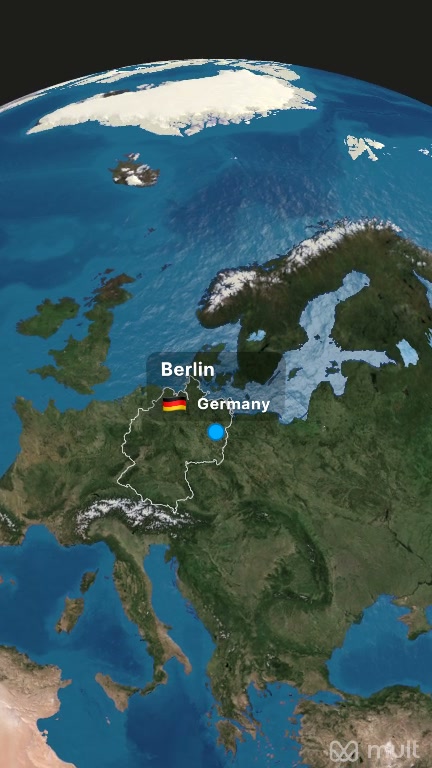 Open full frame
TravelBoast
0.5s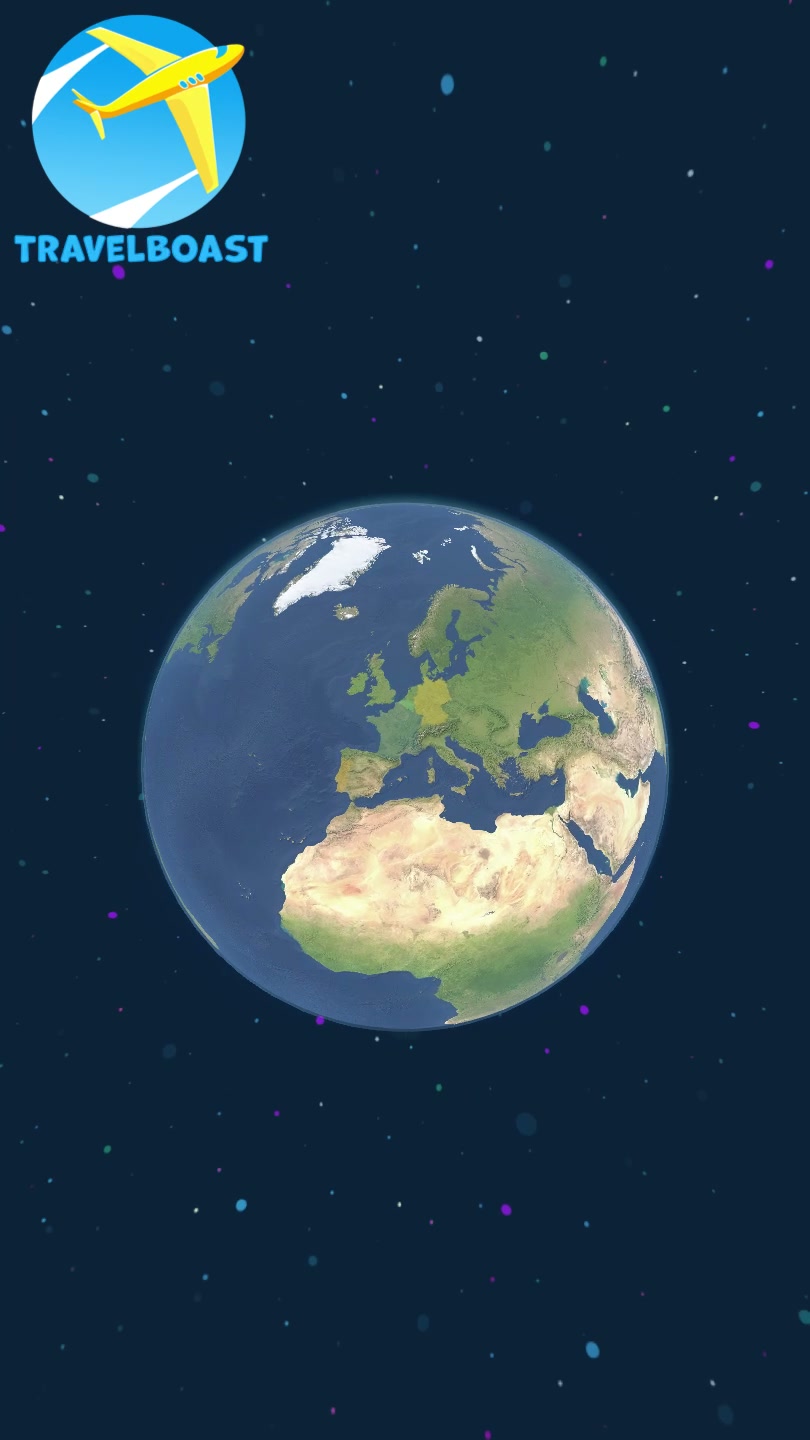 Open full frame
Travel Animator
0.5s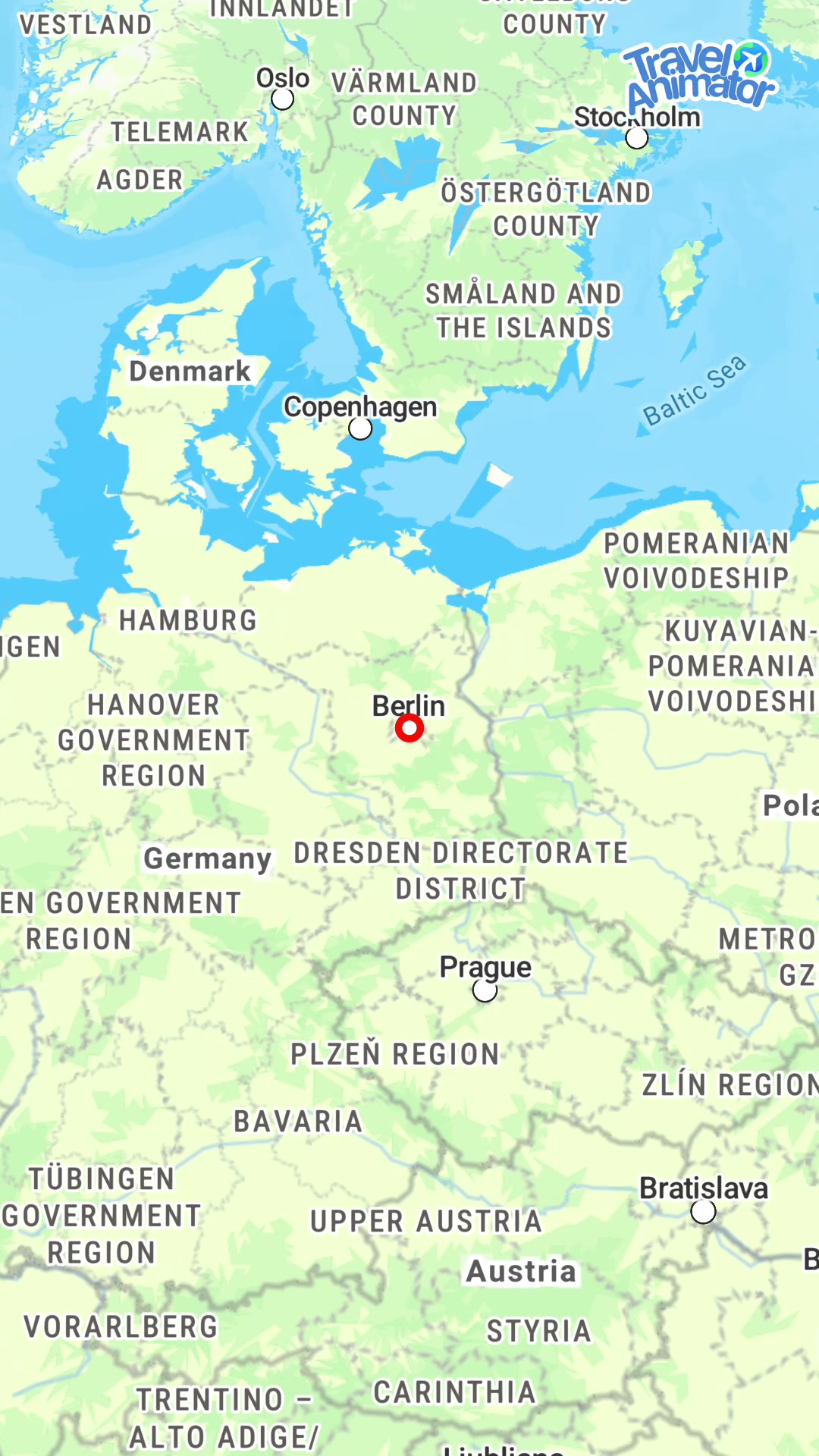 Open full frame
Aligned moment
Paris
TrailVid
5.5s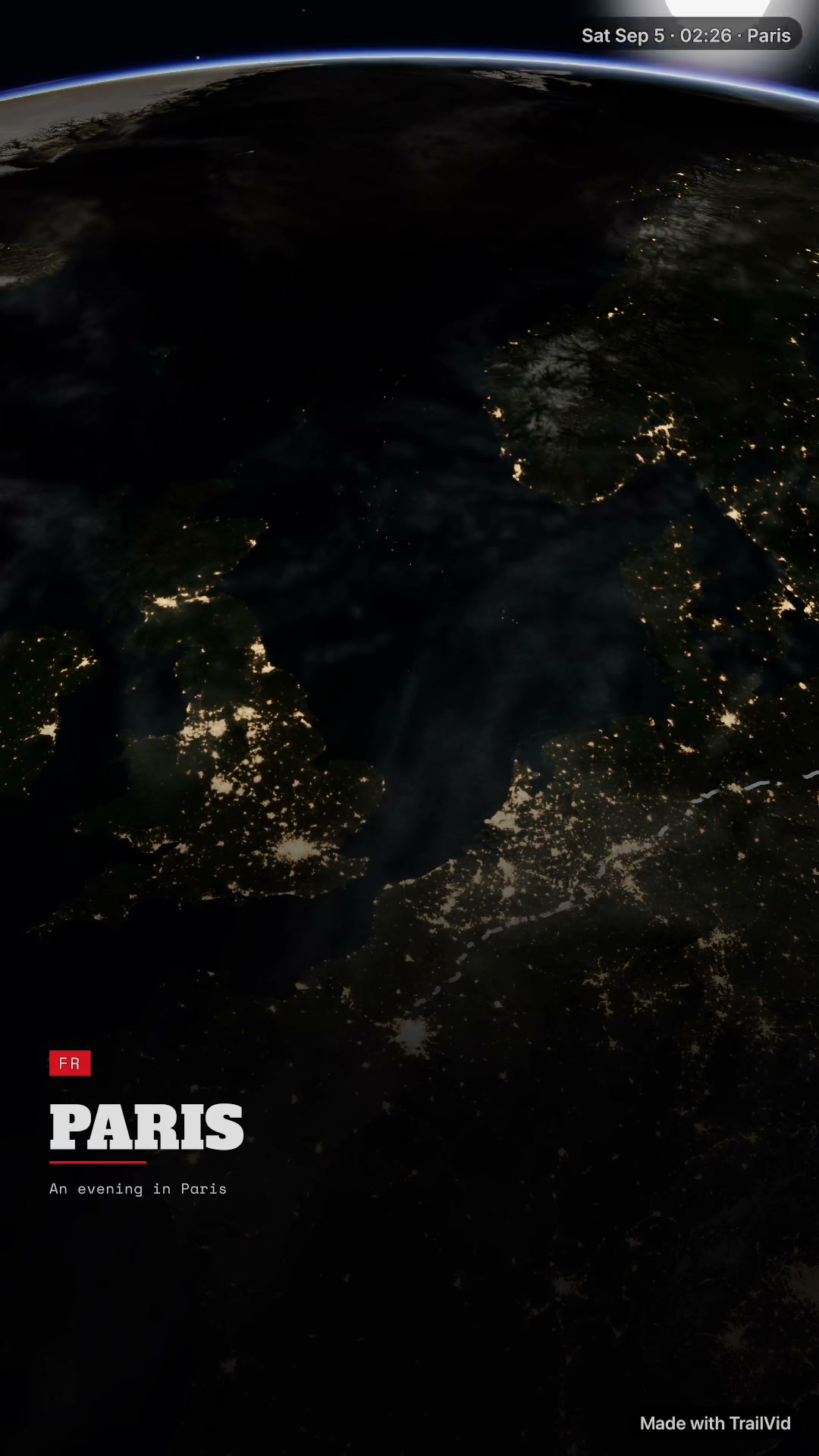 Open full frame
Mult.dev
3.7s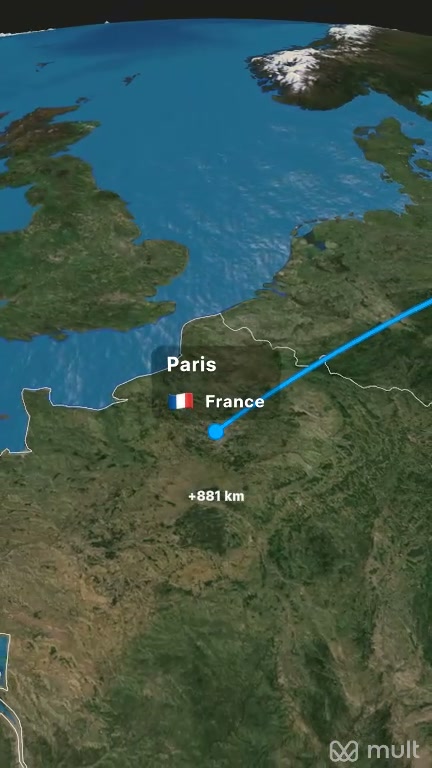 Open full frame
TravelBoast
5.6s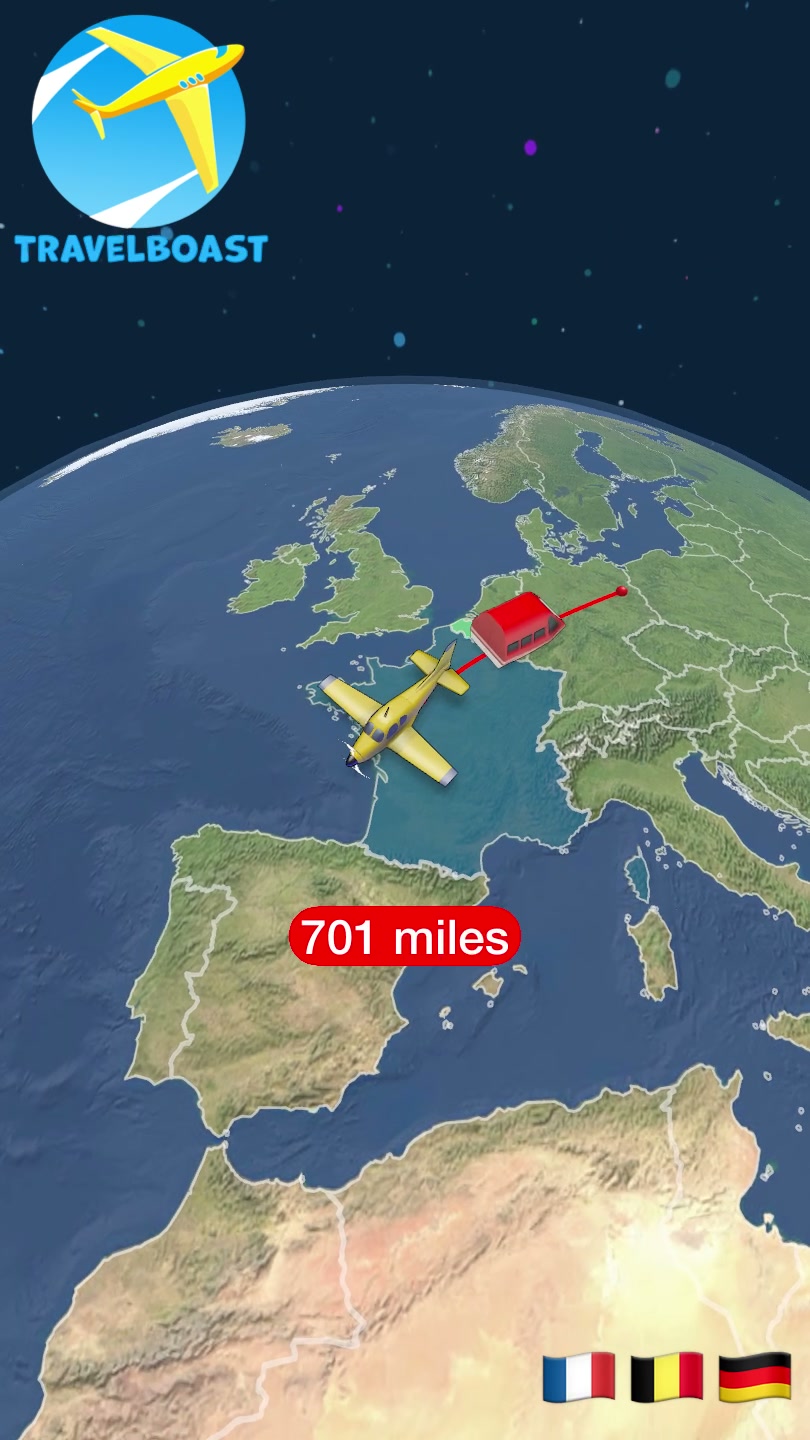 Open full frame
Travel Animator
6.0s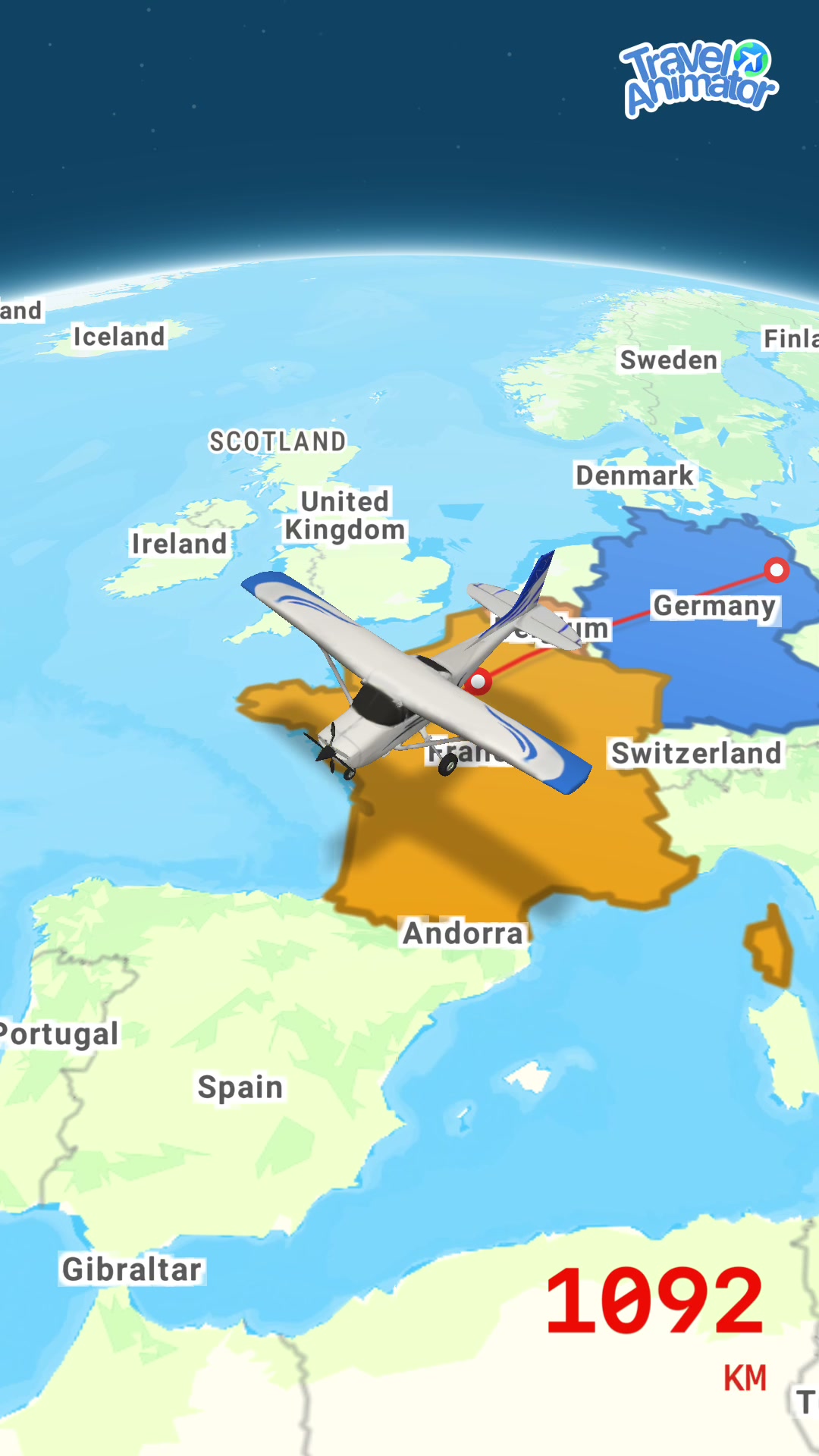 Open full frame
Aligned moment
Ending
TrailVid
10.5s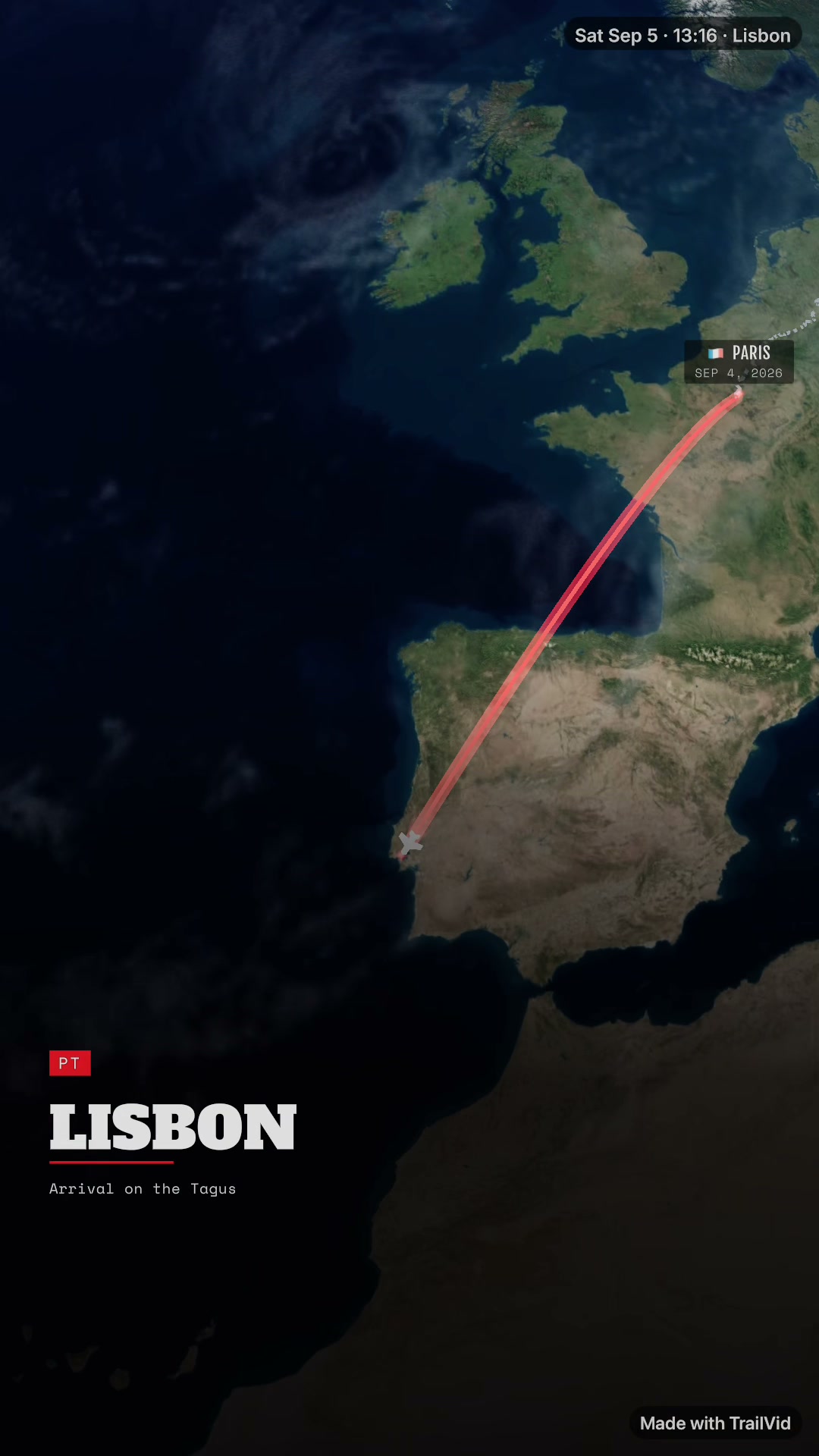 Open full frame
Mult.dev
8.4s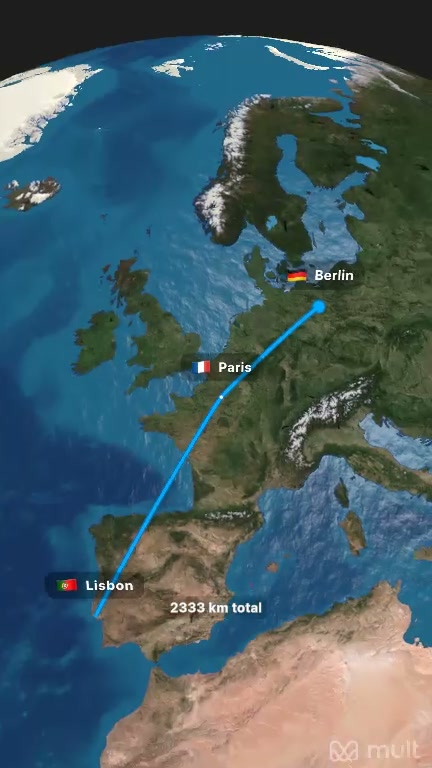 Open full frame
TravelBoast
11.4s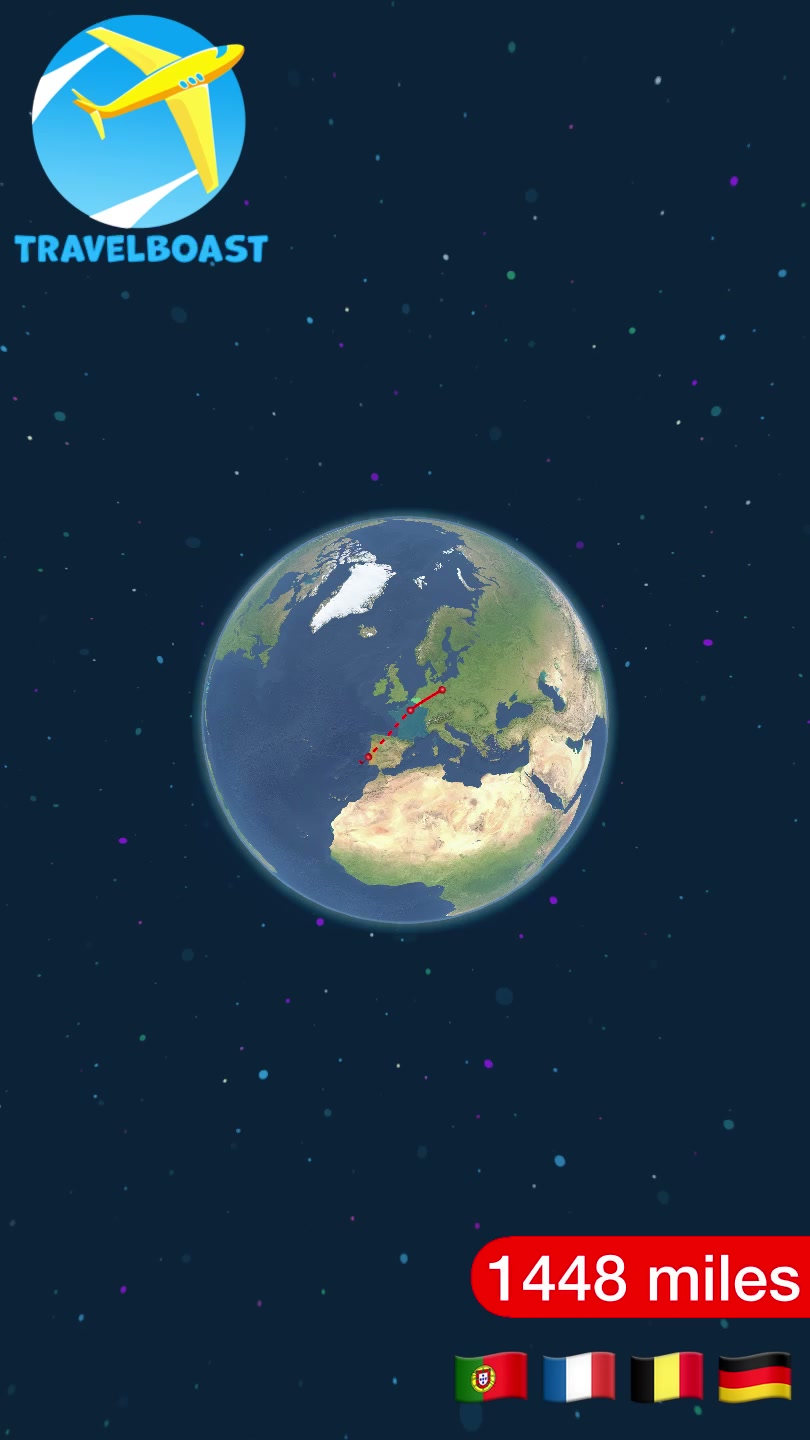 Open full frame
Travel Animator
11.8s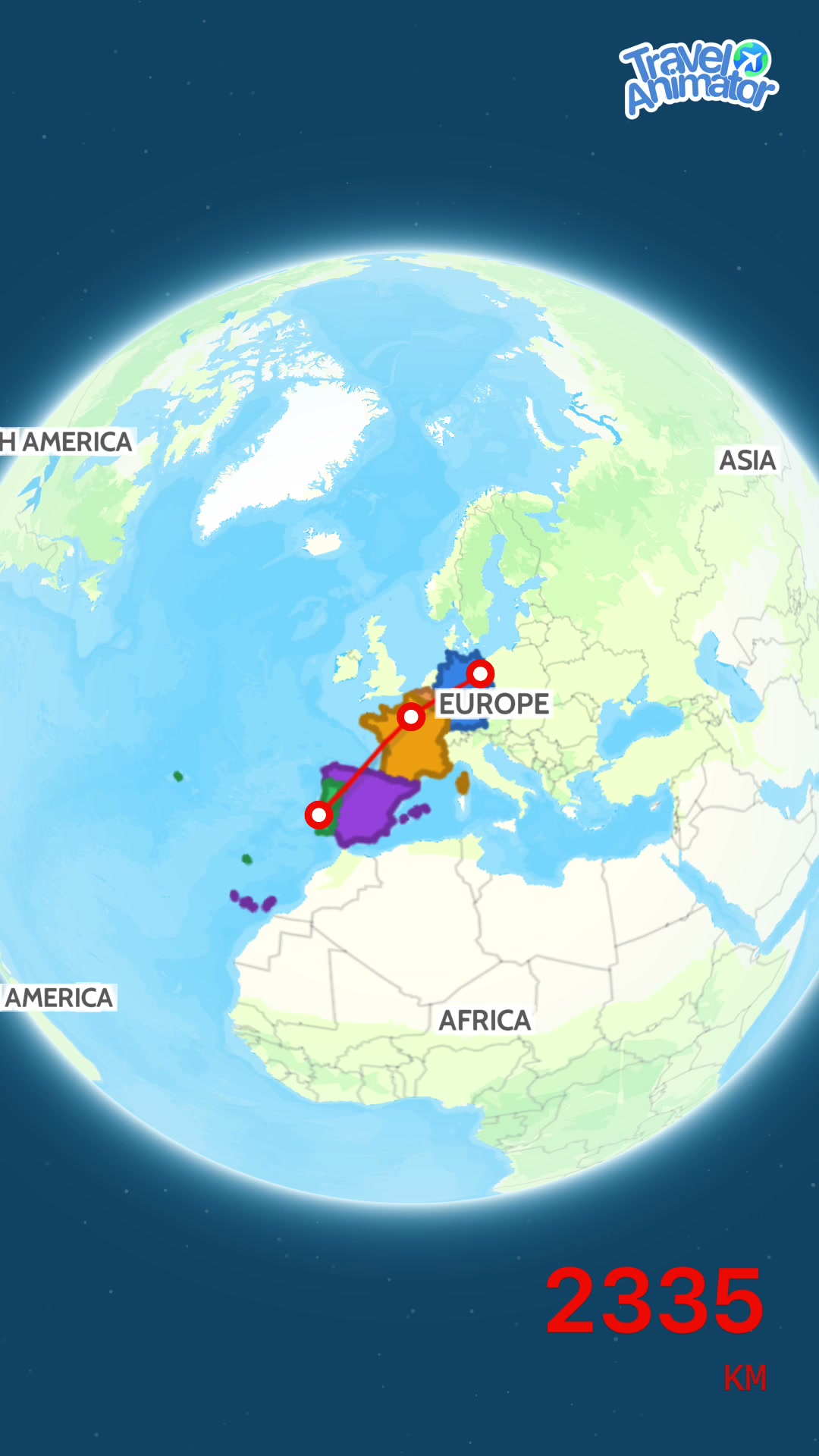 Open full frame
Product comparison
Compare how each app builds and exports the trip
Compare where each app works, what you can change, and its current output choices. Capabilities that require payment in the competing apps are labelled in their cells.
Build and shape the trip
Where the work happens and which parts of the journey each app lets you change.
iPhone and iPad
iPhone and web; Mult.dev also advertises Android
iPhone, iPad, and Android
iOS and Android
Calculated from the trip; select Custom under Direction to adjust travel speed and time at stops
Mult.dev documents a global Speed control
Video length and playback speed controls
Duration control
Presentation style, lighting, local clock, dates, times, and captions
Map style, route, labels, zoom, country highlight, and logo
Model size, map style, and route style
Map, path, labels, scene style, and country highlights
Output options
Compare current export choices and how higher-quality output is sold.
Up to 4K in the current open beta
Up to Full HD with Pro, according to Mult.dev
Up to 2160 x 3840 for portrait with a subscription
Up to 4K with Pro
30 or 60 fps in the current open beta
30 fps on Free; up to 60 fps with Pro
Both current iPhone portrait quality choices are 30 fps
No frame-rate selector appears in the current iPhone preview or export flow
HDR on supported iPhone and iPad; falls back to SDR when needed
No HDR control in the current iPhone editor or export panel
No HDR choice in the current iPhone portrait export dialog
No HDR control appears in the current iPhone preview or export flow
9:16, 16:9, 1:1, and 4:5
Mult.dev documents 16:9, 9:16, and 1:1
Current iPhone controls show 16:9 and 9:16
9:16 in the current iPhone app; Travel Animator also documents 16:9
No; the current beta adds a small TrailVid badge
Yes, with Pro
TravelBoast says its subscription removes the watermark
Yes, with Pro
Every output option is unlocked in the current beta; future pricing has not been announced
Packs of 5, 25, or 100 Pro videos for Full HD, 60 fps, more transports, and logo removal
Subscription for the highest portrait quality; the tested free export followed a rewarded ad
Subscription for 4K and logo removal
Method
How we made the comparison
We created Berlin to Paris to Lisbon in all four apps on the same iPhone and kept each complete portrait export. Capability rows use current app controls and current publisher feature information. Visual descriptions are editorial judgements about the four displayed files. Exact app versions, phone details, file formats, and setup notes are available in the closed receipt.
Versions, files, and setupExact app builds, phone details, original file specifications, and setup notes
Shared brief: Berlin, Paris, Lisbon with a portrait-video goal
Device: iPhone17,1, iOS 27.0 build 24A5430a, tested September 4, 2026
The browser players use complete, smaller H.264 copies. Dimensions and formats below refer to the retained original exports.
The original files were not trimmed. Options beyond those named on this page were not examined evenly and are outside this comparison.
TrailVid
1.0 build 1TravelBoast
2.49 build 25216Travel Animator
3.9.7 build 213Mult.dev
2.2.0 build 330Send factual corrections to hello@trailvid.com.
Our recommendation
Turn one trip into the opener, journey, and recap
TrailVid turns your itinerary into a video with titles, captions at each destination, distinct train and flight scenes, and a closing view of the route. Choose from nine visual themes and adjust the camera movement and pace to suit your film.
Keep the full film, then save shorter ranges for an opener, transition, or chapter without rebuilding the route. The current iPhone beta, also optimized for iPad, includes 4K, 60 fps, and HDR on supported devices. Exports are silent and include a small TrailVid badge.
Join the TrailVid beta